AR Sketch
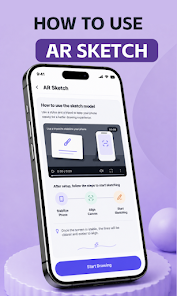
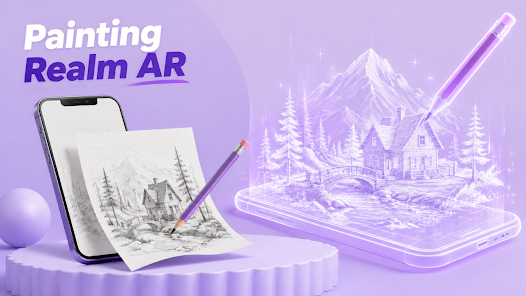
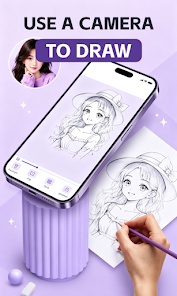
Layer a reference over your camera view and focus on every line.
AR CREATIVE STUDIO
Use your camera, brushes, color, and type to turn the ideas in your head into work you can call your own.
PAINTING REALM AR
A place you saved from a trip, a character you want to draw, or a line you want to share: Painting Realm AR makes the first step of creating simple and easygoing.
Bring a reference into your camera and trace with a clear, focused guide.
From a blank canvas to bright coloring, create in the way that fits your moment.
Save, revisit, and share your work so inspiration lasts beyond the moment.
ONE APP, MANY WAYS
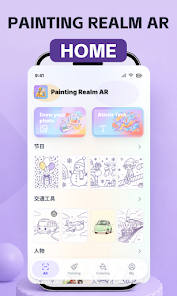
Tracing, drawing, coloring, and type all live in one easygoing creative space.
Layer a reference over your camera view and focus on every line.
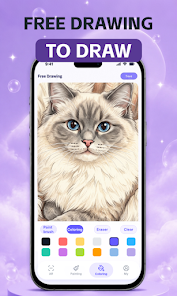
Start from a blank canvas with brushes, fill, and eraser tools.
Choose a piece to color from people, animals, scenery, and food.
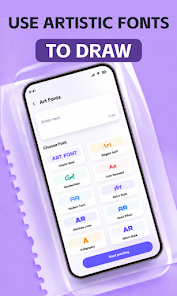
Turn a name, a short phrase, or a title into part of the picture.
AR SKETCH & RUBBING
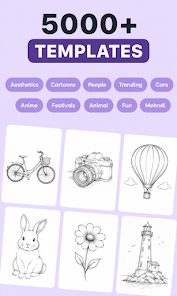
Choose scenery, characters, animals, your own photos, and more. Align a reference in the camera, then use grid, flip, opacity, and lock tools to stay focused.
FREE DRAW & COLORING
Draw slowly on a blank canvas or begin with a detailed line drawing. Brushes, color, eraser, fill, and undo tools keep creating light and free.
ART FONTS
Type what you want to say and choose a font that fits. Make it a signature, a card heading, or a personal poster ready to share.
INSIDE THE APP
From choosing a spark to saving your work, stay focused and leave room for surprise.
START MAKING
Inspiration does not have to wait until everything is ready. Open Painting Realm AR and draw what is on your mind right now.
Get it on Google Play